Setup Guides
How to Add a Co-Host, Cleaner or Property Manager to Your Account
Give a co-host, cleaner or property manager their own login to your WelcomeSign account. Covers sending an invite, what Owners, Admins and Managers can do, plan …
Strategies and insights to improve guest experiences, boost reviews, and grow your rental revenue.
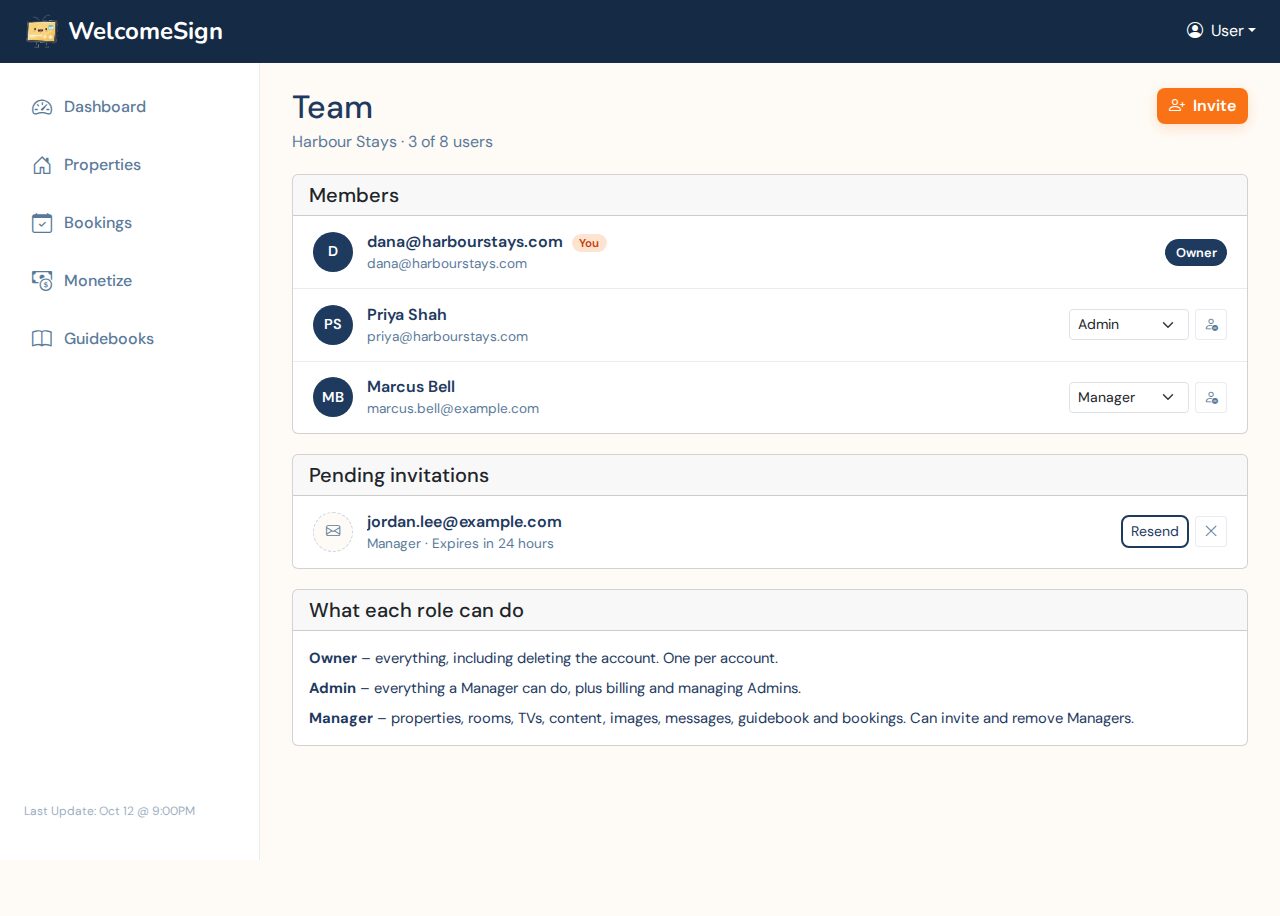
Give a co-host, cleaner or property manager their own login to your WelcomeSign account. Covers sending an invite, what Owners, Admins and Managers can do, plan …
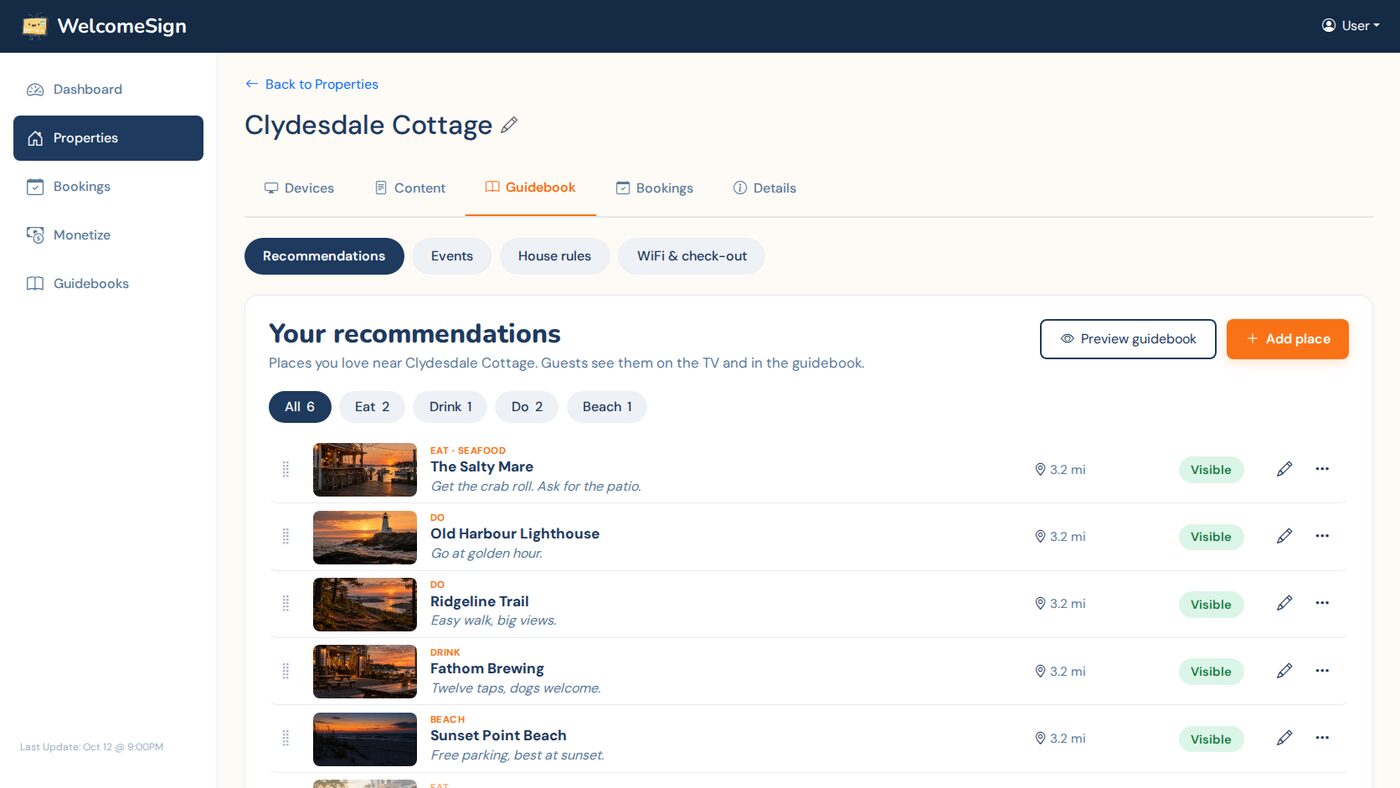
Add your favorite restaurants, beaches and things to do, plus local events, to your rental guidebook. Covers looking places up on Google, opening hours, photos, …
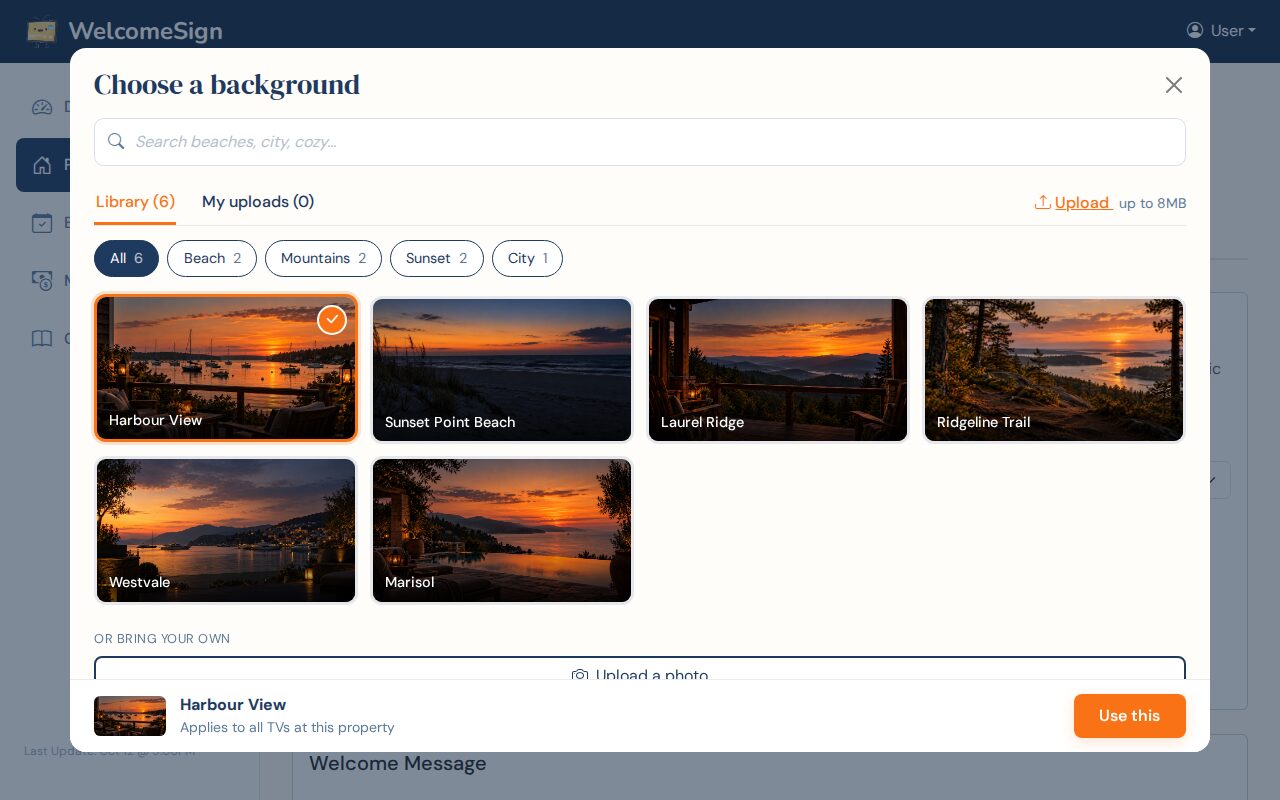
Pick a background for your rental TV welcome screen from the photo library, or upload your own photo of the property. Covers file types and sizes, what makes a …
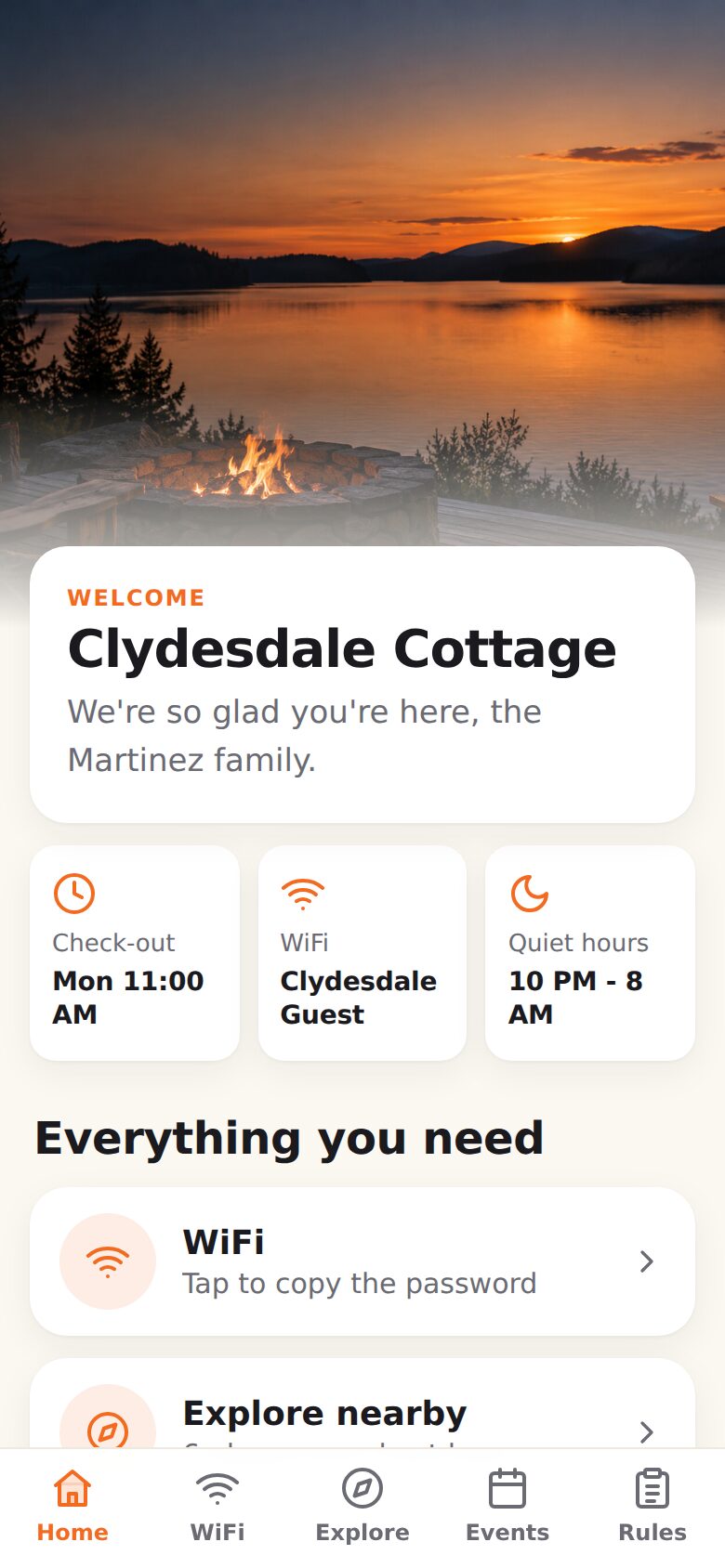
A screen-by-screen look at the guidebook your guests open on their own phone: WiFi, your local picks, events, house rules and the check-out list. No app to …
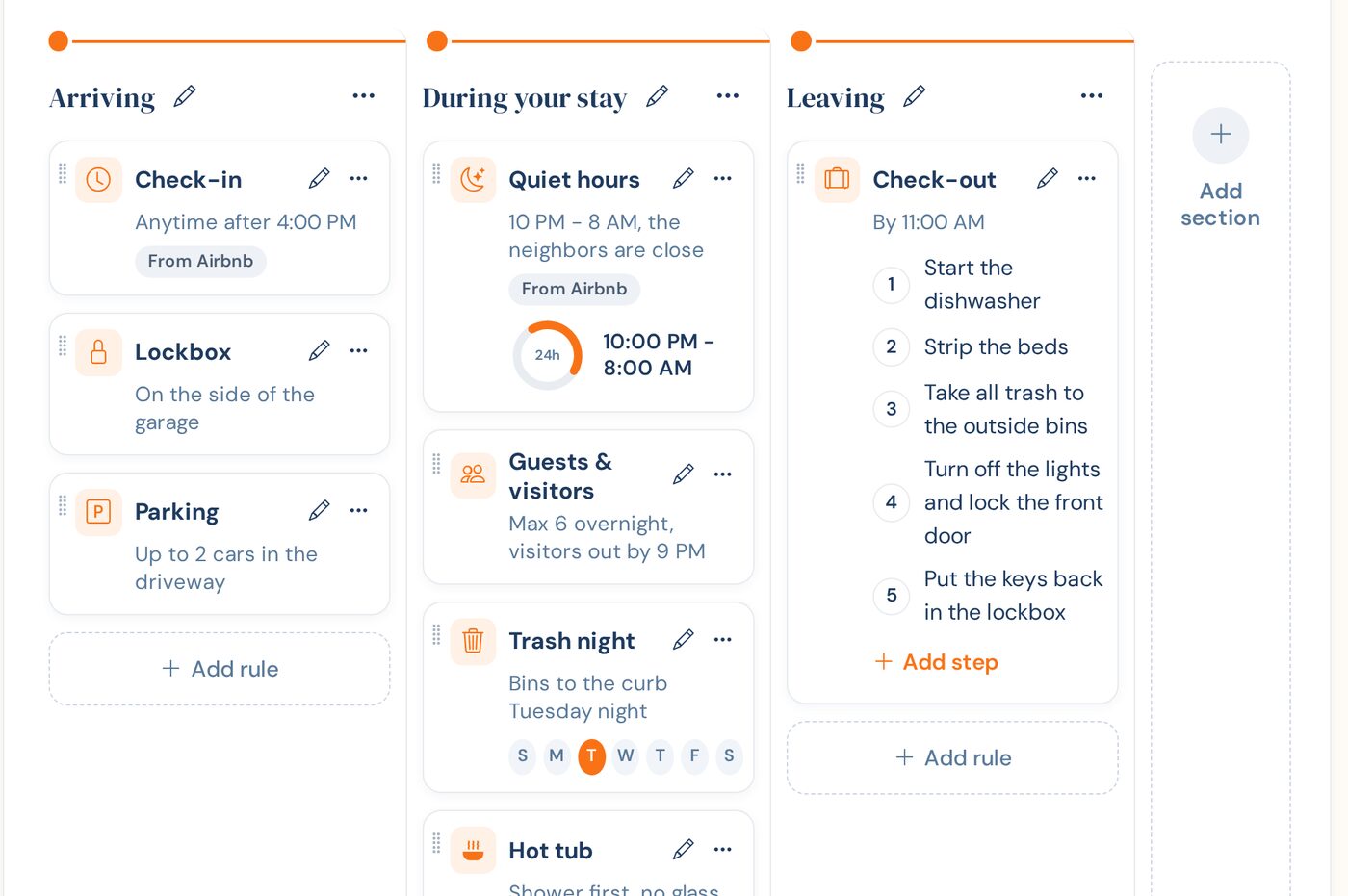
Set up house rules for your rental step by step: sections, rule cards, door codes that only show during a booking, a numbered check-out list, and what guests …
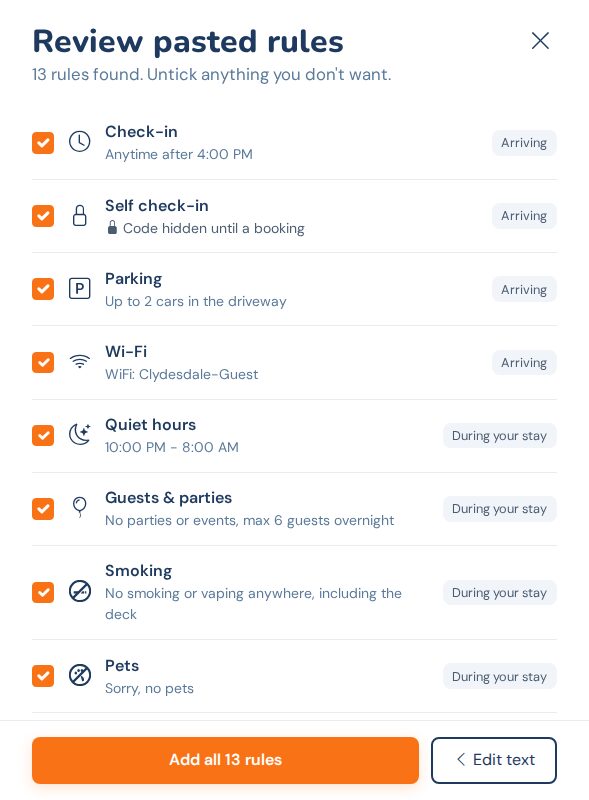
Bring the house rules you already have into your TV guidebook: import them from your Airbnb listing, or paste them from a guidebook or welcome email. You review …
What to put in your vacation rental house rules, how to word them so guests actually follow them, what to keep off your public listing, and a plain-text …
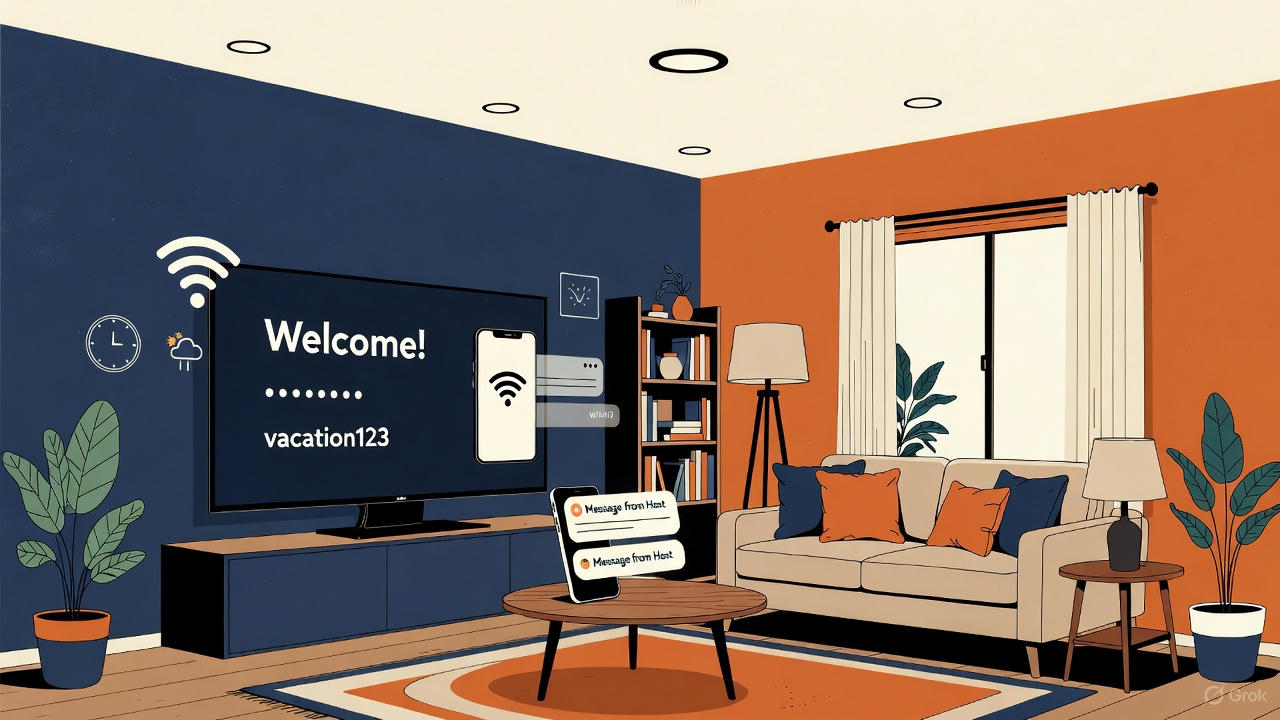
Practical Airbnb TV welcome screen ideas: the six things every guest looks for, sample welcome messages you can copy, and the mistakes that make a screen easy …
Want a free welcome screen on a Samsung, LG or Vizio TV in your rental? Here is what works today, what it costs, and when native smart TV apps arrive.
Step-by-step instructions to install the Welcome Sign app on your Roku TV or streaming stick and pair it with your WelcomeSign account. Your welcome screen is …
Turn your vacation rental TVs into professional welcome screens. Free for your first property.