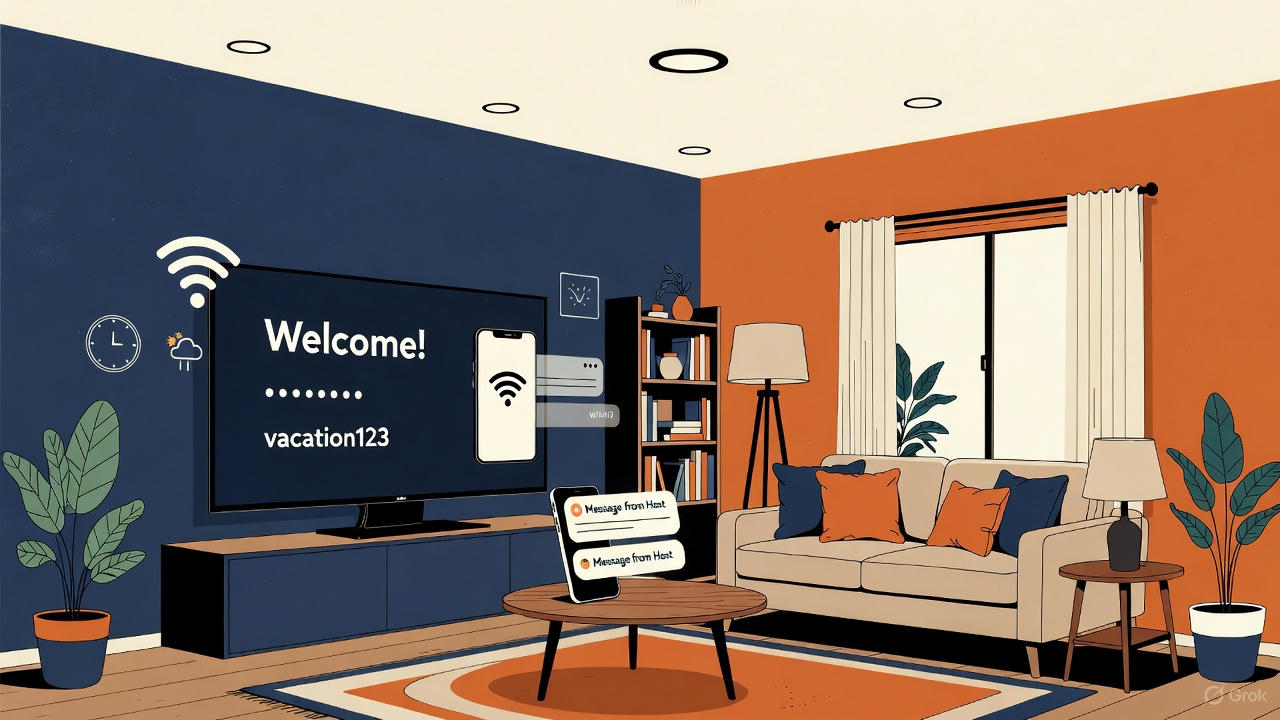
Most vacation rentals don’t have a Roku TV. They have whatever was on sale: a Samsung, an LG, a Vizio. So the first question hosts ask about a TV welcome screen is: is there a free one that works on my TV?
Short answer: yes. WelcomeSign is free for one property with up to 2 TVs. It runs on Roku today, so on a Samsung, LG or Vizio you add a Roku streaming stick (about $30) to the TV’s HDMI port. Native Samsung and LG apps are built and being submitted to the Samsung and LG stores, so the stick is the way to start today.
What works on each TV today
Samsung (Tizen). Plug in a Roku stick and install the free Welcome Sign app on it. A native Samsung app is in development.
LG (webOS). Same approach: a Roku stick in any HDMI port. A native LG app is in development.
Vizio. Same approach: a Roku stick in any HDMI port.
Roku TVs (TCL, Hisense, Sharp and others with Roku built in). Nothing extra to buy. Install the app straight from the Roku Channel Store.
Why a $30 stick beats waiting
- It works on any TV with HDMI, so every TV in your portfolio runs the same setup.
- One remote, one home screen. Guests still get Netflix and YouTube on the same Roku, so you aren’t adding a confusing second device.
- It’s the setup hosts already trust. Many hosts put a Roku in their rentals anyway so guests can sign in to their own streaming apps.
What it costs
- Free: 1 property, up to 2 TVs, no credit card.
- Hoster: $29 a year for up to 5 properties with unlimited TVs.
- Business: $59 a year for up to 20 properties with unlimited TVs.
The only hardware cost is the Roku stick, if your TV doesn’t already have Roku built in.
Set it up in 15 minutes
- Plug a Roku streaming stick into the TV’s HDMI port and connect it to WiFi.
- Create a free WelcomeSign account and add your property, WiFi details and welcome message.
- Install Welcome Sign from the Roku Channel Store and enter the pairing code it shows in your dashboard.
The full Roku setup guide has screenshots of every step.
Tip: set the Samsung, LG or Vizio TV to turn on to the last-used HDMI input, so guests land on the Roku and see your welcome screen first.
When will native Samsung and LG apps be ready?
The Samsung and LG apps are finished and running on our own TVs. We’re submitting them to Samsung and LG now, along with a Fire TV app. Each store approves on its own schedule, so we can’t give a date. Join the waitlist and we’ll email you when your TV’s app is in its store. Anything you set up on Roku today carries over: your properties, messages and settings stay in the same account.
Is there a free welcome screen without any extra hardware?
On a Roku TV, yes. On other smart TVs, every option needs either a native app or a streaming device. WelcomeSign’s free plan plus a one-time $30 stick is the lowest-cost setup we know of that’s built for rental hosts.
Want to see what guests will see? Read what to put on your Airbnb TV welcome screen, or see the Airbnb welcome screen overview.