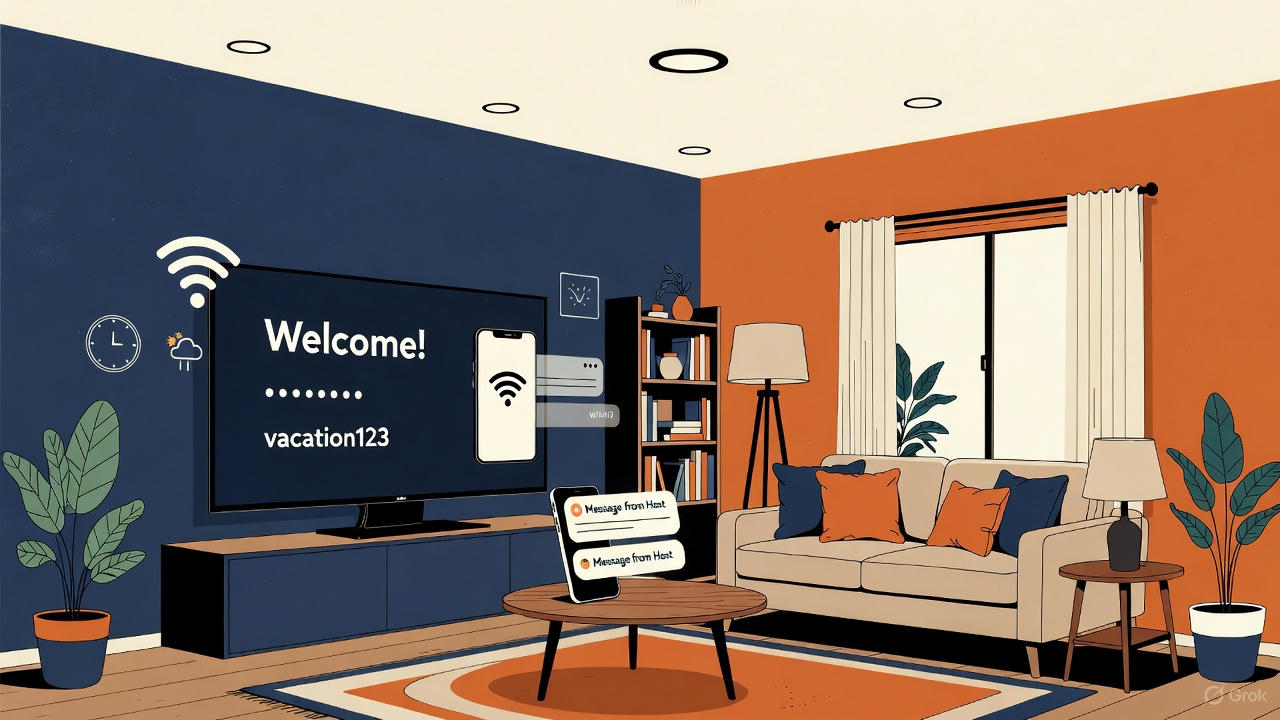
Your rental’s TV is the one screen every guest turns on. Put the right things on it and you stop answering the same five messages every stay. Put too much on it and guests skip it and text you anyway.
Here’s what to show, some welcome messages you can copy, and what to leave off.
The six things every guest looks for
- Their name. “Welcome, the Martinez family!” It’s the cheapest five-star moment you’ll ever create.
- WiFi network and password. Make it large enough to read from the couch. This alone cuts most check-in messages.
- Check-out time. Shown all stay, so it isn’t a surprise on the last morning.
- How to reach you. A phone number guests can call or text if something breaks.
- Local weather. It helps guests plan beach days, hikes and ski runs, and makes the screen feel live, not like a static slide.
- The property name. It confirms they’re in the right place, which matters more than you’d think for late-night arrivals.
Welcome messages you can copy
Keep it to one or two short sentences. Guests read it from across the room.
- “Welcome, Sarah! We’re so glad you’re here. Make yourself at home.”
- “Welcome to the Lake House, Mike and Jen. The WiFi’s below, and the coffee’s in the left cabinet.”
- “Hi Priya, welcome to the mountains! Text us anytime at the number below.”
- “Welcome back, Tom! Great to have you with us again.” (for repeat guests)
- “Welcome, the Lees. Check-out is 10 AM on Sunday, but no rush until then. Enjoy!”
What to skip
- Long house rules. Nobody reads a wall of text on a TV. Keep the full rules in your house manual and put only the one rule that matters most on screen.
- Tiny text. If you can’t read it from the couch, it doesn’t work.
- Out-of-date details. A wrong WiFi password on screen is worse than none. Use a screen you can update from your phone, not a photo of a printed sign.
- A screen that never shows up. If the TV powers off or opens to a random input, guests never see it. Set the TV to open to your welcome screen’s input, and turn off auto power-saving on the streaming device.
Seasonal and special touches
- Holidays. “Merry Christmas, Garcia family!” for December stays.
- Celebrations. If the booking mentions a birthday or anniversary, say so on screen.
- Local events. A one-liner about the farmers’ market or a festival weekend makes you look like a local host.
How to put it on your TV
WelcomeSign shows all six essentials on your rental’s TV. It’s free for one property, you update everything from your phone, and guests can open the same details in a guidebook on their own phone. It runs on Roku today. On a Samsung, LG or Vizio TV, a $30 Roku stick does the job (see using WelcomeSign on Samsung, LG and Vizio TVs).