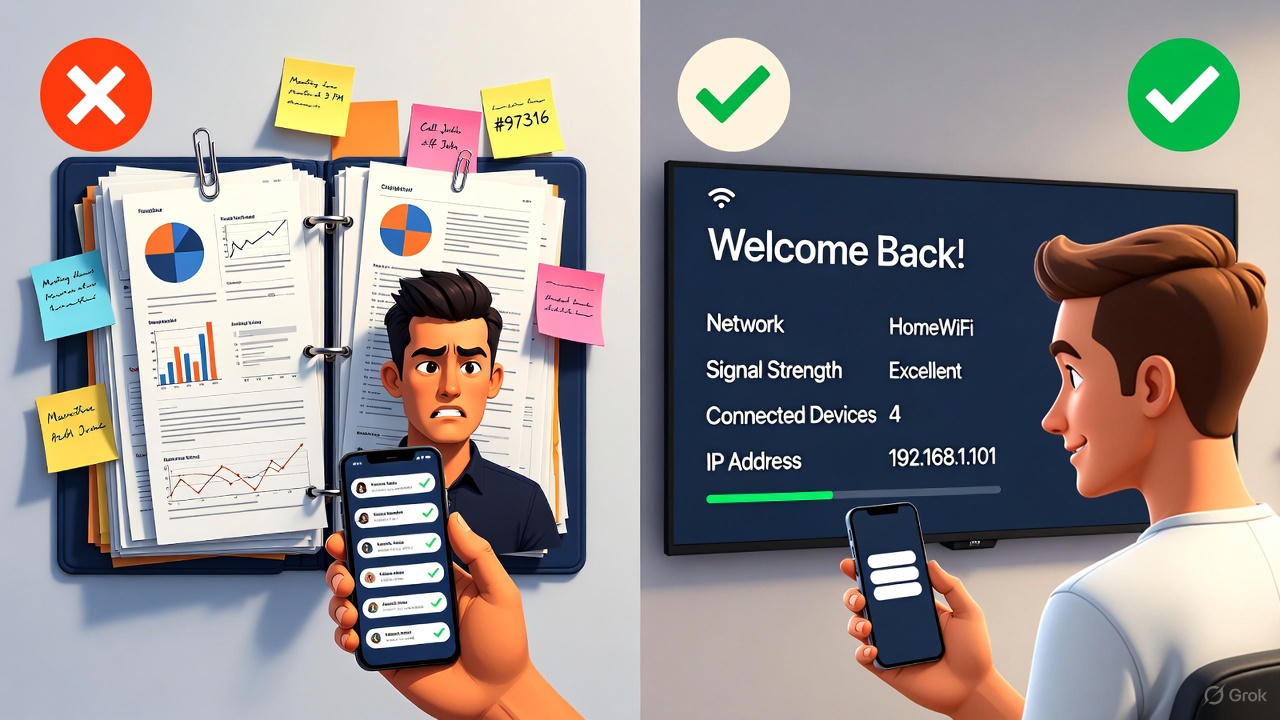
Here’s the thing: most vacation rental hosts start with a paper guidebook. Makes sense. It’s cheap, it’s familiar, and you can throw one together in an afternoon.
But at some point, you start wondering if there’s a better way. You’re reprinting pages every time a restaurant closes. Guests still text you questions that are clearly answered on page 7. And that binder is starting to look a little… sad.
So let’s actually run the numbers. Not “digital is obviously better” hand-waving, but real costs, real time, real ROI.
The True Cost of Paper Guidebooks
Most hosts underestimate what paper binders actually cost because the expenses are spread out and easy to ignore.
Upfront Costs
| Item | Cost | Notes |
|---|---|---|
| Binder | $8-15 | Decent quality that won’t fall apart |
| Printing (30-50 pages, color) | $15-25 | Office store or home printer ink |
| Sheet protectors | $5-10 | If you want it to last |
| Dividers/tabs | $3-5 | Organization matters |
| Total per property | $31-55 |
Not terrible. But here’s what you’re not counting:
Ongoing Maintenance Costs
Quarterly updates (minimum):
- Restaurant hours change
- New attractions open
- Your checkout process evolves
- WiFi password rotates (you do rotate it, right?)
Each update cycle:
- Time to update content: 30-60 minutes
- Reprinting costs: $5-15
- Time to swap pages: 15-30 minutes per property
Annual cost per property: $80-150 in printing + 6-10 hours of your time
The Hidden Time Sink
Here’s where paper really costs you: it doesn’t actually reduce guest questions.
Why? Because guests don’t read binders.
They flip through looking for WiFi, maybe glance at checkout time, then close it. That restaurant recommendation on page 12? They’ll never see it. They’ll text you instead.
Our data shows hosts with paper guidebooks still receive an average of 8-12 guest messages per booking about information that’s technically in the binder.
At 3 minutes per message response, that’s 24-36 minutes per booking spent answering questions you’ve already answered in writing.
For 20 bookings/month: 8-12 hours answering redundant questions.
The Real Cost of Digital Welcome Screens
Let’s be honest about what digital solutions cost too.
Upfront Investment
| Item | Cost | Notes |
|---|---|---|
| Smart TV or streaming device | $0-150 | Most rentals already have a TV |
| Streaming device (if needed) | $30-50 | Roku, Fire Stick, etc. |
| Software subscription | $0-30/month | Varies by provider and tier |
| Initial cost | $30-200 | One-time |
| Monthly cost | $0-30 | Ongoing |
Time Investment
Initial setup: 15-45 minutes
- Connect device
- Enter property info
- Add local recommendations
- Test the display
Ongoing maintenance: 5-10 minutes per update
- Changes sync across all devices instantly
- No printing, no swapping pages
- Update from your phone while waiting for coffee
The Time You Get Back
Digital screens work because they’re impossible to ignore. The TV is on when guests walk in. The information is right there.
Hosts using digital welcome screens report:
- 78% reduction in routine guest messages
- 2-3 messages per booking (down from 8-12)
- 23 minutes saved per booking on average
For 20 bookings/month: 7+ hours saved on guest communication alone.
Head-to-Head ROI Comparison
Let’s model a typical host with 2 properties and 15 bookings per property per month.
Paper Guidebook (Annual)
| Category | Cost |
|---|---|
| Initial setup (2 binders) | $70-110 |
| Quarterly updates (printing) | $40-120 |
| Your time: updates (16-20 hrs) | $320-400* |
| Your time: guest messages (192-288 hrs) | $3,840-5,760* |
| Total annual cost | $4,270-6,390 |
*Valuing your time at $20/hour (conservative for a business owner)
Digital Welcome Screen (Annual)
| Category | Cost |
|---|---|
| Devices (if needed) | $60-100 |
| Software ($15/mo average) | $180 |
| Your time: setup (1-2 hrs) | $20-40 |
| Your time: updates (2-4 hrs) | $40-80 |
| Your time: guest messages (48-72 hrs) | $960-1,440 |
| Total annual cost | $1,260-1,840 |
The Bottom Line
Annual savings with digital: $3,010-4,550
That’s not a typo. The time savings alone dwarf any subscription cost.
And we haven’t even counted:
- Better reviews from smoother guest experience
- Revenue from local business recommendations
- Reduced stress from fewer interruptions
But Wait, What About…
“My guests are older and won’t use technology”
The TV is already on. They don’t need to “use” anything - they just look at it. It’s actually less technical than a paper binder because there’s no searching or flipping required.
“I like the personal touch of a handwritten note”
Keep it! Add a handwritten welcome card next to the TV. The personal touch and the practical information can coexist.
“What if the WiFi goes out?”
Good digital systems cache content locally. The screen works even if internet drops temporarily. And honestly, if your WiFi is out, guests are going to message you regardless of what’s in your binder.
“Paper doesn’t have a monthly fee”
True. But paper has a massive hidden fee in your time. Even at minimum wage, the time cost of paper exceeds any reasonable software subscription.
“I only have one property”
The math still works, just at smaller scale. You’ll save 4-6 hours per month on guest communication. What’s that worth to you?
Features Paper Can’t Match
Beyond the ROI, digital screens do things paper simply cannot:
Dynamic Content
- Real-time weather updates
- Current local events
- Seasonal recommendations
- Automatic check-in/out time display based on booking
Personalization at Scale
- Welcome guests by name automatically
- Display different content for different guest types
- Sync with your PMS for zero manual entry
Actionable Recommendations
- QR codes for instant restaurant reservations
- One-tap tour bookings
- Direct links to your other properties
Revenue Generation
- Local business advertising
- Affiliate commissions on bookings
- Equipment rental partnerships
Paper binders generate exactly $0 in revenue. A well-optimized digital screen can generate $200-400+ per property per month.
Making the Switch
If you’re convinced (or at least curious), here’s the practical path forward:
Week 1: Audit Your Current Setup
- How many guest messages do you answer per booking?
- How often do you update your binder?
- What questions keep coming up despite being in the binder?
Week 2: Choose Your Platform
Look for:
- Support for your TV type (or cheap device compatibility)
- PMS integration if you use one
- Easy update process
- Reasonable pricing for your property count
Week 3: Build Your Content
- Start with the essentials: WiFi, check-in/out, emergency contacts
- Add your best local recommendations (quality over quantity)
- Include anything guests repeatedly ask about
Week 4: Test and Refine
- Run it for a few bookings
- Note which questions still come through
- Add content to address gaps
Ongoing: Track Your Results
- Count guest messages before and after
- Note any review mentions of the welcome experience
- Calculate your actual time savings
The Real Question
Here’s what it comes down to: What’s your time worth?
If you genuinely enjoy answering the same questions repeatedly and updating binders quarterly, paper works fine. No judgment.
But if you’d rather spend those 8-12 hours per month on literally anything else - growing your business, improving your properties, or just living your life - the math is pretty clear.
Digital welcome screens aren’t just a nice-to-have upgrade. They’re a fundamental shift in how much of your time goes to busywork versus building something bigger.
The upfront investment pays for itself in weeks, not months. Everything after that is pure return.
Ready to see the difference yourself? Try WelcomeSign free for your first property. Setup takes about 15 minutes, and there’s no credit card required. See how many fewer texts you get this month.